= Version 1.2.3 (06-03-2026) =
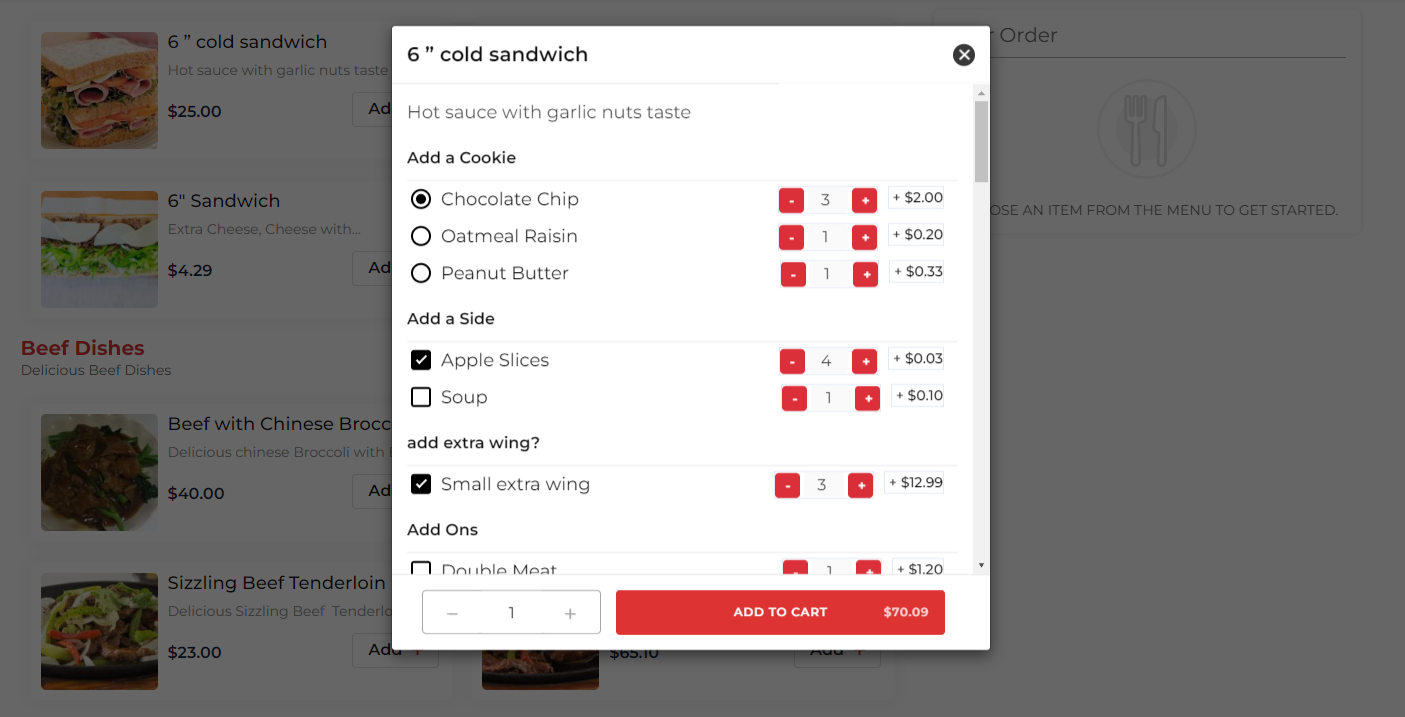
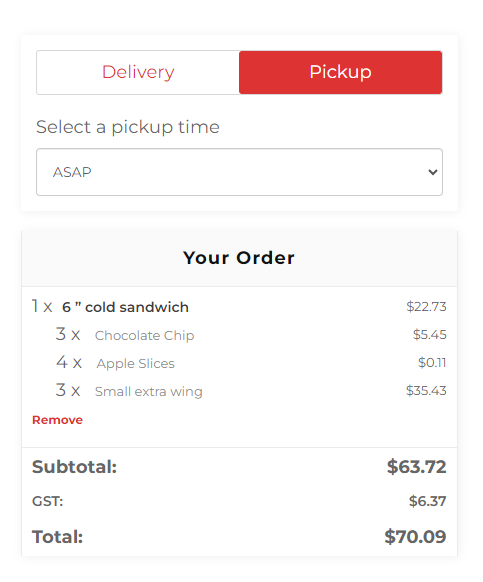
* Fixed: Wrong update cart price when decreasing addon quantity in edit popup.
* Fixed: Addon quantity payload sync for add/edit cart flows.
* Improved: Code cleanup and cache-friendly asset versioning.
* Improved: Refactored addon quantity scripts for safer payload syncing and maintainability.
* Improved: Added nonce/capability checks and sanitized saving for addon quantity admin settings.
* Improved: Internal PHP hardening and output sanitization without UI/UX changes.
= Version 1.2.3 (13-11-2025) =
* Updated: Quantity validation with min-max value
= Version 1.2.2 (03-09-2025) =
* Updated: design compatibility added for restropress 3.2
= Version 1.2.1(28-05-2025) =
* Fixed: Addon quantity alignment issue
* Code Cleanup
= Version 1.2(22-01-2025) =
* Fixed: Addon quantity increment and decrement price calculation issue with variation item
Version 1.1(12-12-2022)
* Fixed: Addon quantity increment and decrement price calculation issue
* Fixed: Quantity column break issue fixed
Version 1.0(26-11-2022)
*Initial version released