iOS and Android apps
The RestroPress User App is available free on the Apple App Store and Google Play.

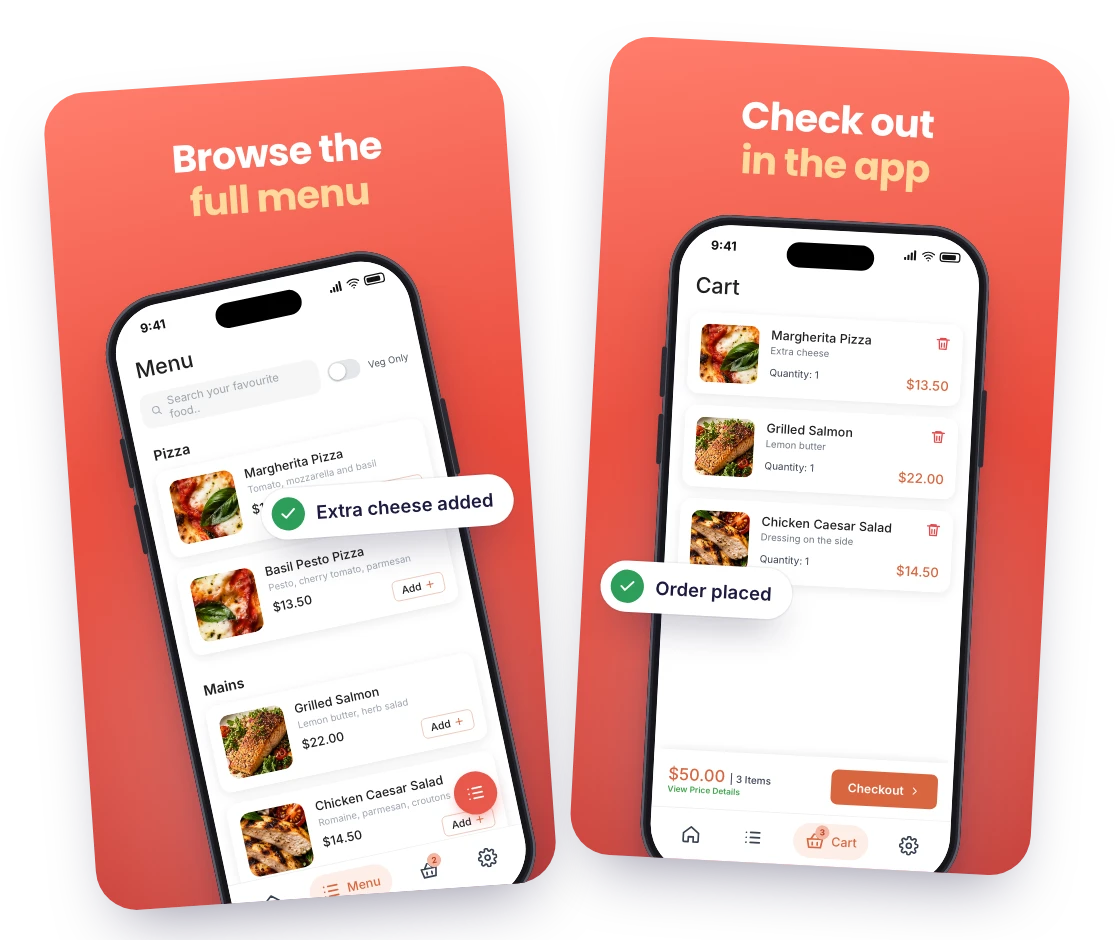
Give your customers a free ordering app for your restaurant on iPhone and Android: browse the menu, order for delivery, pickup or dine-in, pay in the app and follow the order.
Only need this one? Buy it on its own from $89 / year
FOR YOUR CUSTOMERS
The RestroPress User App is available free on the Apple App Store and Google Play.
Activate the extension to get your store key and QR code. Customers enter the key or scan the code once and the app shows your restaurant.
Categories, items, variations and addons with your images, a veg-only filter, search, banners and featured categories you choose in settings.
Delivery, pickup or dine-in with a time slot or ASAP, coupons, saved addresses with a delivery zone check, and payment by PayPal or Stripe in the app, or any other RestroPress gateway through your website checkout inside the app.
Customers see their past orders and the current status of each one, and with the Rider app, the driver’s last location on a delivery.
Contact RestroPress to have the app published under your own brand name and logo.
MAKE IT YOURS
You need a WordPress website running RestroPress and the User App extension license. Customers need an iPhone or Android phone and your store key or QR code. PayPal or Stripe gives them in-app payment; other gateways work through your website checkout.
Get setup guidanceInstall and activate it on your website. RestroPress > Settings > General > User App shows your store key and the QR code customers scan.
In the same settings add your two headline lines, banner images that open a category or item, featured categories, a help page, an about page and the message shown when you are closed.
Install the app yourself, enter the key, place a test order and check it in your admin, then put the store links and QR code on your website, receipts and social channels.
THE NEXT STEP
AVAILABLE ON iOS AND ANDROID
Free to install. Connects to your website with the User App extension: $19 per month or $89 per year for one site, $29 per month or $259 per year for up to 5 sites, $59 per month or $399 per year for up to 15 sites. White-label publishing under your own brand is available as a service.
Want it under your restaurant’s name? See the white-label app.
BUY THIS EXTENSION ONLY
Pay monthly, or pay yearly and save up to 61%. Pick how many websites you run.
Paying yearly saves up to 61%.
Licence key and download appear in your account right after checkout. Includes updates and support for this extension. 14-day money-back guarantee, see the refund policy.
QUESTIONS, ANSWERED
CONNECTED BY RESTROPRESS
FOR EVERY INCOMING ORDER
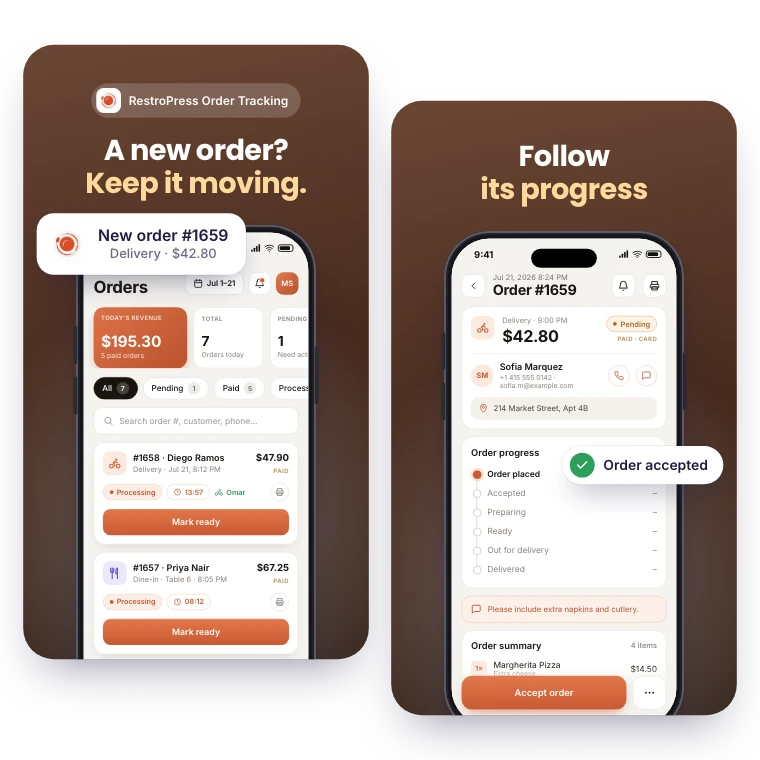
Receive order alerts and see pickup, delivery and dine-in orders together. RestroPress Order Tracking helps your team follow each order’s progress from a phone or tablet.
Explore Order Tracking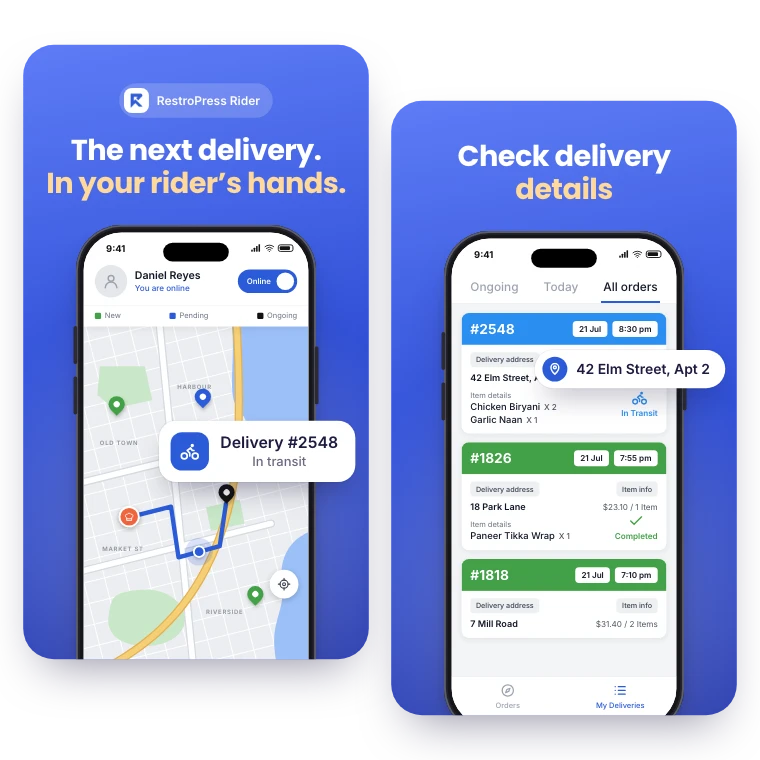

FOR YOUR DELIVERY TEAM
Give drivers their own view of delivery work. RestroPress Rider keeps assigned orders, delivery details and order status close at hand.
Explore RiderYOUR NEXT DIRECT ORDER STARTS HERE
Explore the ordering experience, then choose the tools your team needs.