
A real menu.
A real feel for the product.
See how an order looks to your customer. Then explore the tools your team uses on the other side.

01 / FOR YOUR CUSTOMERS
Browse.
Customise.
Order.
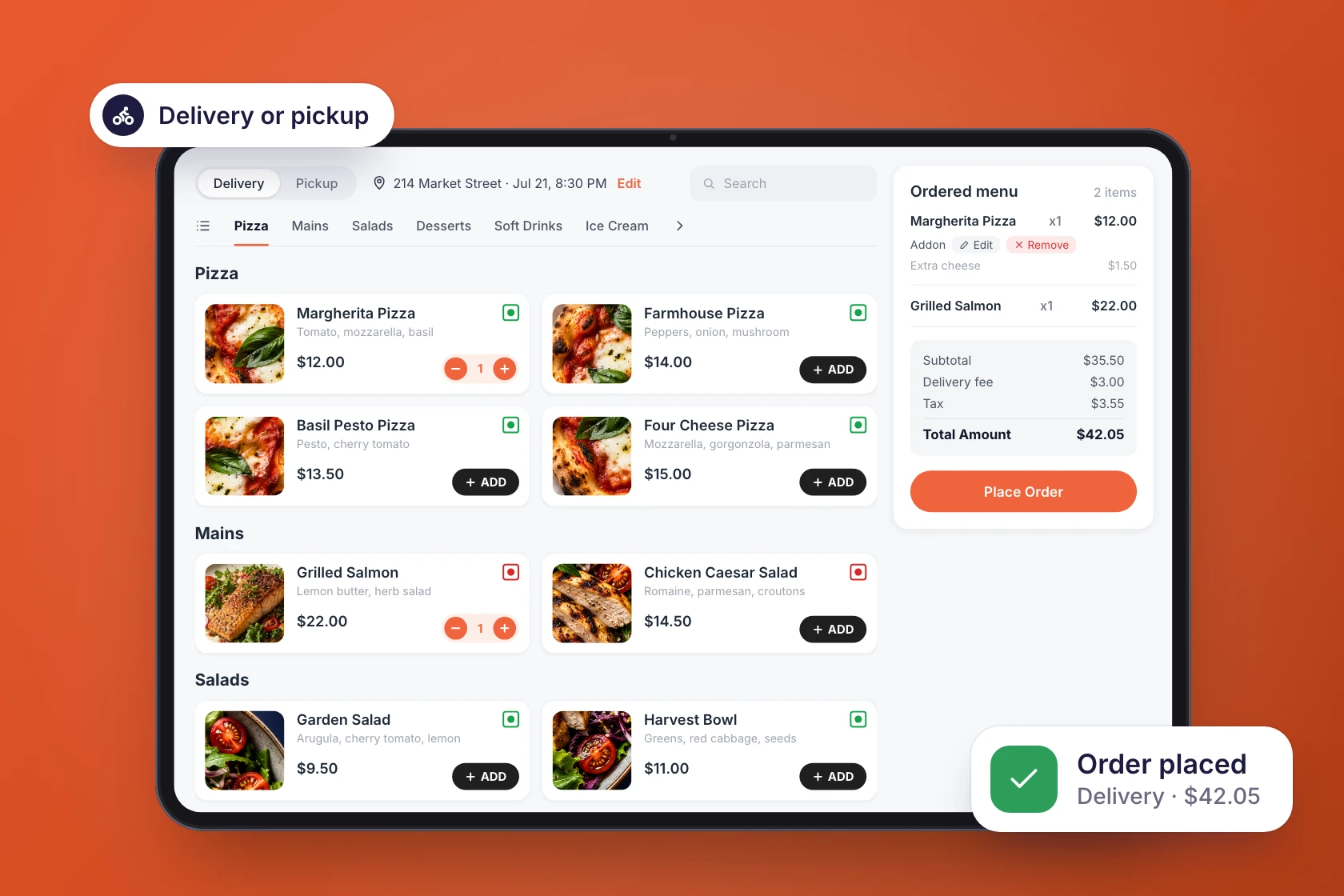
Open the menu, build an order and explore the checkout experience.
- Browse categories and menu items
- Choose pickup or delivery
- See the cart and checkout flow
 Browse categories and menu items
02 / FOR YOUR TEAM
Receive.
Manage.
Prepare.
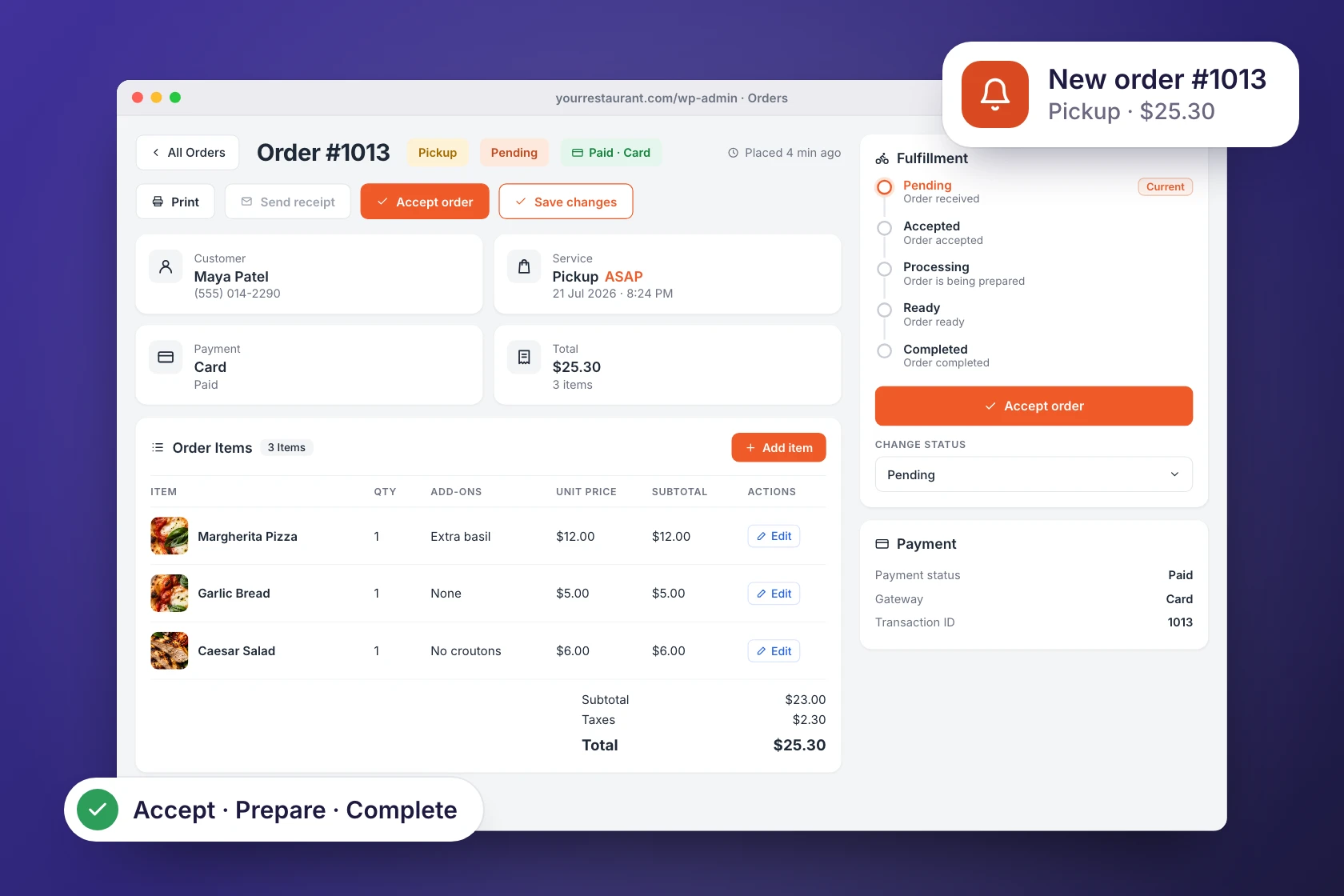
Create a temporary admin sandbox to explore the restaurant side of an order.
- Explore restaurant settings
- Review menu and order management
- Try the workflow for yourself
 Explore restaurant settings
Email and verification are required to create a sandbox.
YOUR NEXT DIRECT ORDER STARTS HERE
Seen something your restaurant needs?
Compare the plans or talk to our team about your service workflow.