


Per-addon quantity selector
Customers choose the quantity of each addon directly from the menu item screen.

Add quantity controls to your food addons so customers can order two extra sauces, three toppings, or any other addon in the amount they actually want.
Included in Professional, Business, Agency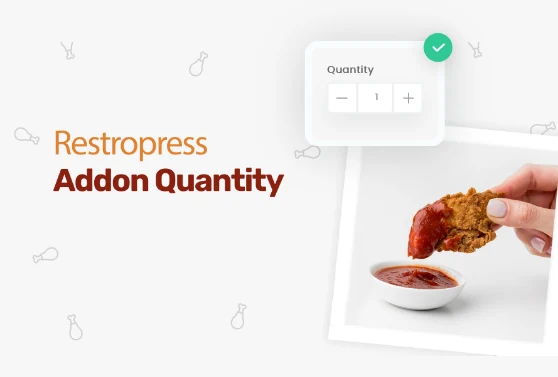 RESTROPRESS · ORDERING
WHAT ADD-ON QUANTITY ADDS
Customers choose the quantity of each addon directly from the menu item screen.
Enable or disable the quantity feature for each parent addon category individually.
Add-on quantities are reflected correctly in the cart price and order total.
The quantity of each addon appears in the order confirmation and admin order view.
Enable the quantity feature per addon category from Food Items in the admin.
MAKE IT YOURS
A clear starting point for your restaurant and the people behind every order.
Get setup guidanceEnable the extension in RestroPress plugins.
Go to Food Items and edit the addon category where you want quantity control enabled.
A quantity selector appears next to each addon in that category when customers order.
PLANS & REQUIREMENTS
ORDERING EXTENSION
Compare the complete feature list to see which plan fits the rest of your setup.
5 WEBSITES
$429/ year
15 WEBSITES
$799/ year
30 WEBSITES
$1,499/ year
QUESTIONS, ANSWERED
CONTINUE EXPLORING

Add, reorder, hide, or customize any checkout field using a drag-and-drop builder. 14+ field types, no coding required.
Included in Professional, Business, AgencyView extension
Add custom fees for packaging, payment surcharges, express delivery, gift wrapping, or any other service, as flat amounts or percentages, per order type.
Included in Professional, Business, AgencyView extension
Add a floating cart icon to your navigation menu so customers always see their order total and can jump to checkout from any page.
Included in Basic and all paid plansView extensionYOUR NEXT DIRECT ORDER STARTS HERE
Explore the ordering experience, then choose the tools your team needs.

