


Header cart icon
A cart item is appended to your WordPress navigation menu, with the item count, the total, or both shown next to the icon.

Add a cart icon to your navigation menu so customers always see their item count or order total and can jump to checkout from any page.
Free · no plan needed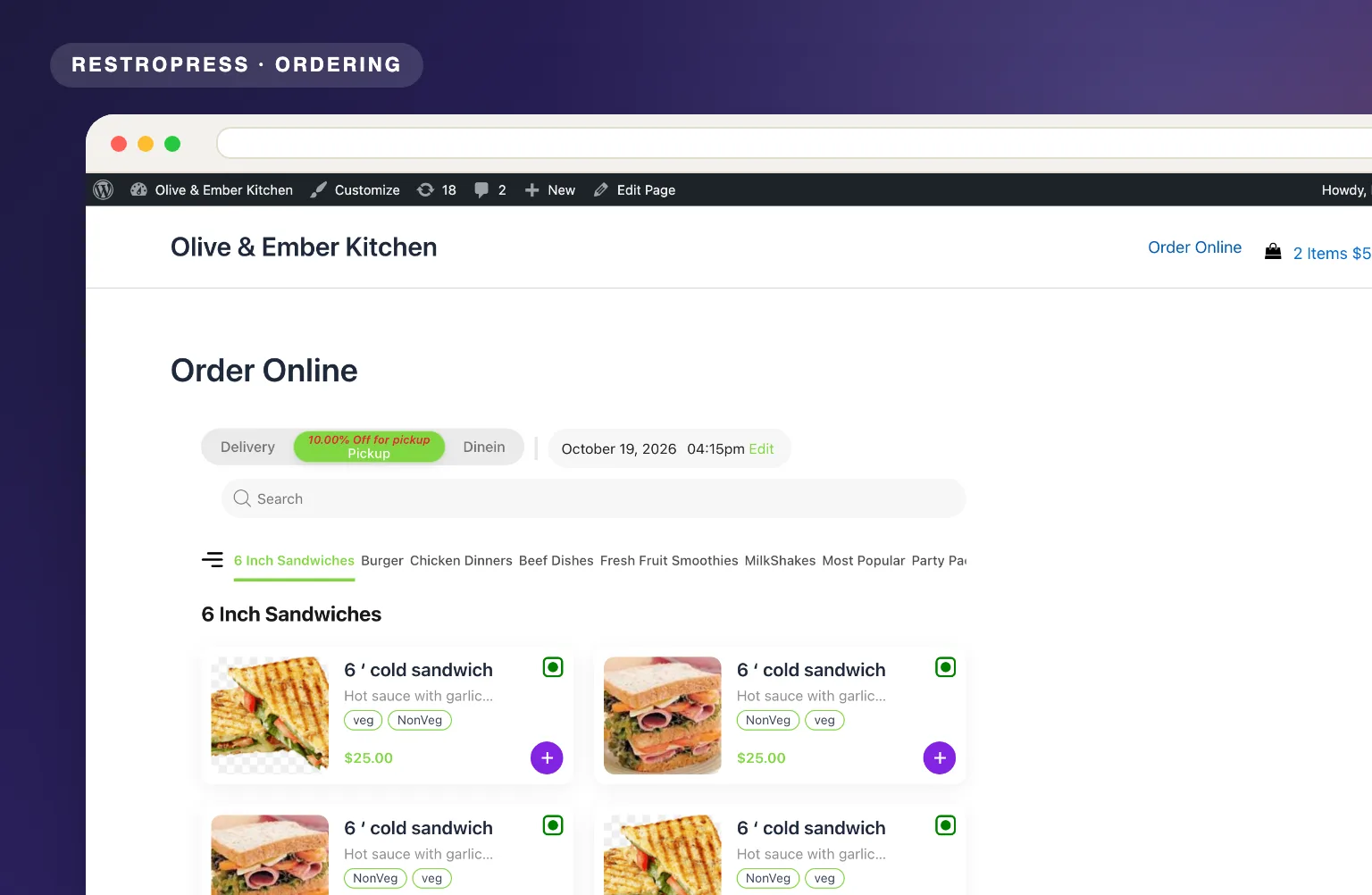 RESTROPRESS · ORDERING
WHAT MENU CART ADDS
A cart item is appended to your WordPress navigation menu, with the item count, the total, or both shown next to the icon.
The count and total refresh every second through AJAX, formatted in your store currency, so the header always reflects the current cart.
Pick one of five SVG cart icons (basket, open cart, shopping bag, shopping cart or a second basket) to match your site style.
Tick Always Display Cart to keep the icon visible when the cart is empty, or leave it off to show the icon only once an item has been added.
The cart text links straight to the RestroPress checkout page, so customers can pay from any page of your site.
Show Items Only, Price Only, or Both Items and Price, so the header shows exactly as much as your design has room for.
MAKE IT YOURS
Menu Cart is a free extension that takes a couple of minutes to set up, as long as your theme displays a WordPress navigation menu.
Get setup guidanceCreate a menu under Appearance > Menus and assign it to your theme's header location, such as Primary, if you have not already.
Install and activate the plugin, then go to RestroPress > Settings > General > Menu Cart, tick Enable Menu Cart, choose an icon and pick Items Only, Price Only or Both Items and Price.
Customers see their item count or total as they browse, and clicking it takes them straight to checkout.
PLANS & REQUIREMENTS
ORDERING EXTENSION
Free for every RestroPress website. Download it below, no plan needed. Paid plans add the premium extensions and priority support.
FREE EXTENSION
Download it now; enter your email at checkout and the file is saved to your RestroPress account for future updates.
QUESTIONS, ANSWERED
CONTINUE EXPLORING

Add, reorder, hide, or customize any checkout field using a drag-and-drop builder. 14+ field types, no coding required.
Included in Professional, Business, AgencyView extension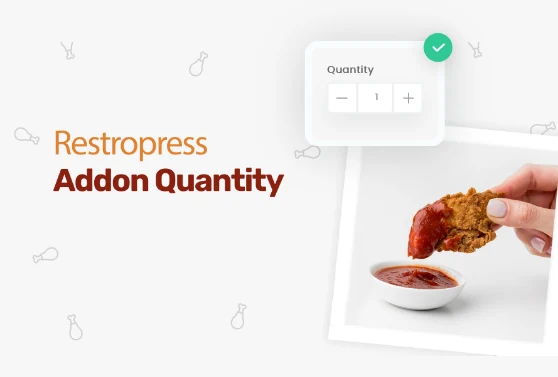
Add quantity controls to your food addons so customers can order two extra sauces, three toppings, or any other addon in the amount they actually want.
Included in Professional, Business, AgencyView extension
Add custom fees for packaging, payment surcharges, express delivery, gift wrapping, or any other service, as flat amounts or percentages, per order type.
Included in Professional, Business, AgencyView extensionYOUR NEXT DIRECT ORDER STARTS HERE
Explore the ordering experience, then choose the tools your team needs.

