

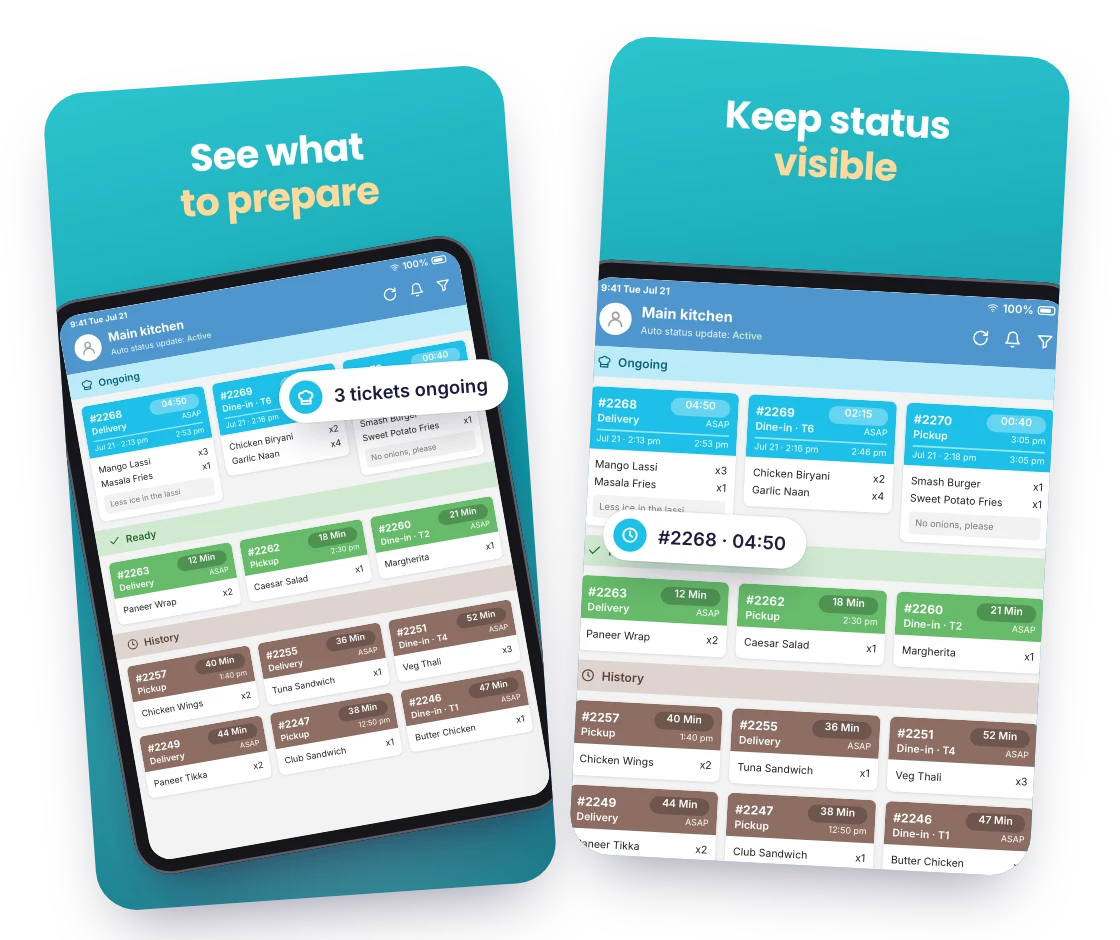
See what to prepare
Each new online order appears on the kitchen screen as a ticket listing its items, quantities and any customer notes, the moment it is placed.

Replace paper tickets with a live kitchen screen. RestroPress KDS shows your cooks every online order the moment it is placed, grouped by status, with the preparation time set for each ticket.
Only need this one? Buy it on its own from $59 / year
FOR YOUR KITCHEN TEAM
NO PAPER AT THE PASS
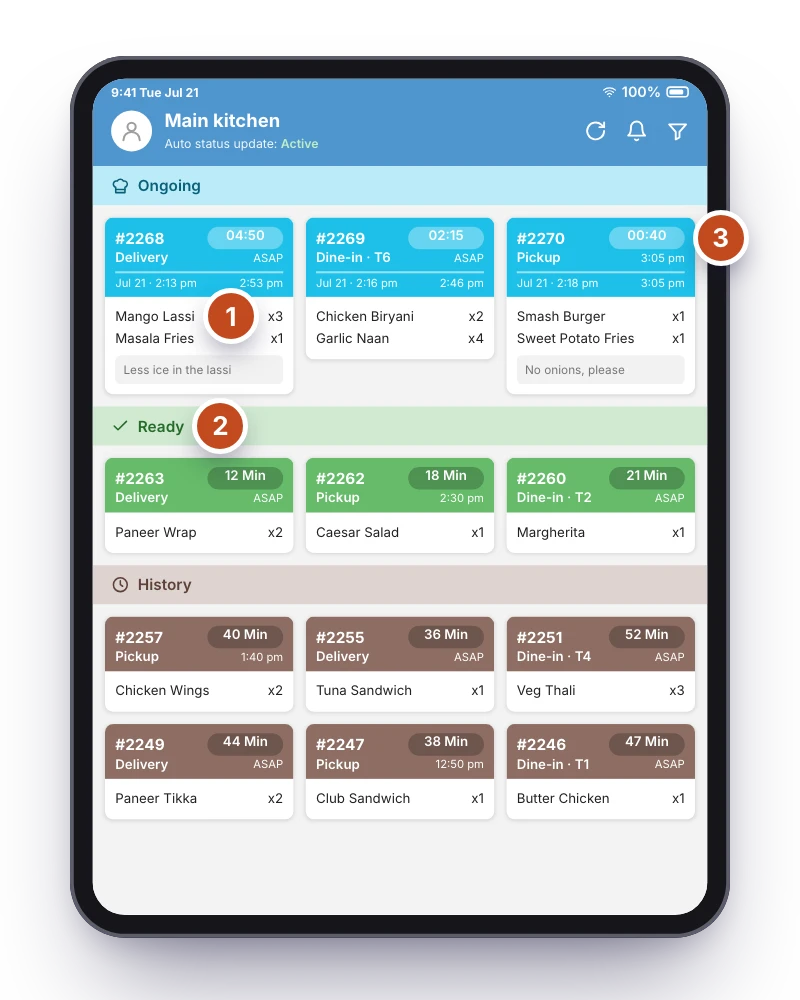
Each new online order appears on the kitchen screen as a ticket listing its items, quantities and any customer notes, the moment it is placed.
Accepted, processing, ready and completed orders are grouped by status, each with its own colour, so a glance across the board tells the line what to pick up next.
Each ticket shows when it arrived and the preparation time set for it, so the pass can see which orders have waited longest and clear them first.
WHAT KDS DOES
New and updated orders are pushed to the kitchen screen with a sound, including changes to an order’s items after it was placed.
Move each ticket from accepted to processing, ready and completed with a tap; the status is written back to your website at once.
Turn on category-wise KDS to give each screen its own food categories, so the grill, the bar and the dessert station each see only their items.
With auto assign on, every accepted order goes to the kitchens whose categories it contains. You can also assign kitchens and set a prepare time by hand from order details.
Tickets carry the table number from Dine-in orders and can be filtered by branch when the Multi-Location extension is active.
Filter by status or date to bring up earlier tickets when a question comes up at the pass.
MAKE IT YOURS
You need a RestroPress website with the KDS extension (included in Professional, Business and Agency), an Android or iOS tablet for each screen and a WordPress user with the Shop Worker role for each kitchen. Connecting a screen takes a QR scan, not a printer cable.
Get setup guidanceIn RestroPress > Settings > Kitchen Display System tick Enable API, show the QR code and scan it from the tablet you want in the kitchen. The screen is connected from that moment.
Create a Shop Worker user for each screen and sign in on the tablet. For more than one station, enable category-wise KDS, assign food categories to each kitchen user and turn on auto assign.
Place an order on your own website and watch it land on the screen. Move it from in progress to ready and check the status in your admin before the first real service.
THE NEXT STEP
AVAILABLE ON iOS AND ANDROID
KDS is included in the Professional, Business and Agency plans, or licensed on its own from $13 per month or $59 per year for one site. You also need a RestroPress website and an Android or iOS tablet in the kitchen.
BUY THIS EXTENSION ONLY
Pay monthly, or pay yearly and save up to 70%. Pick how many websites you run.
Paying yearly saves up to 70%.
Licence key and download appear in your account right after checkout. Includes updates and support for this extension.
QUESTIONS, ANSWERED
CONNECTED BY RESTROPRESS
FOR YOUR DAILY OPERATIONS
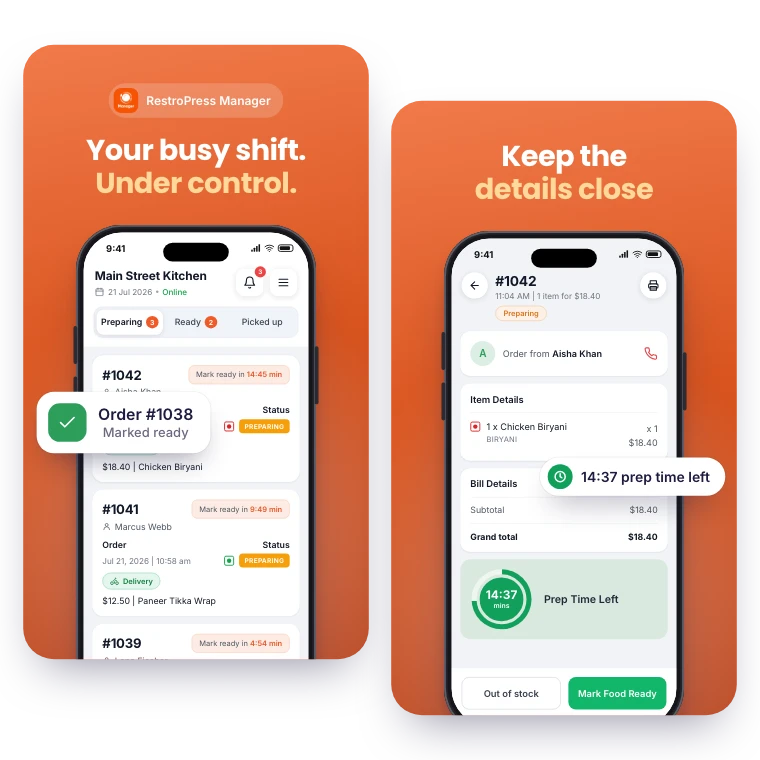
Keep daily order management within reach. RestroPress Manager brings the order queue, menu editing and a store open or closed switch to your phone.
Explore Manager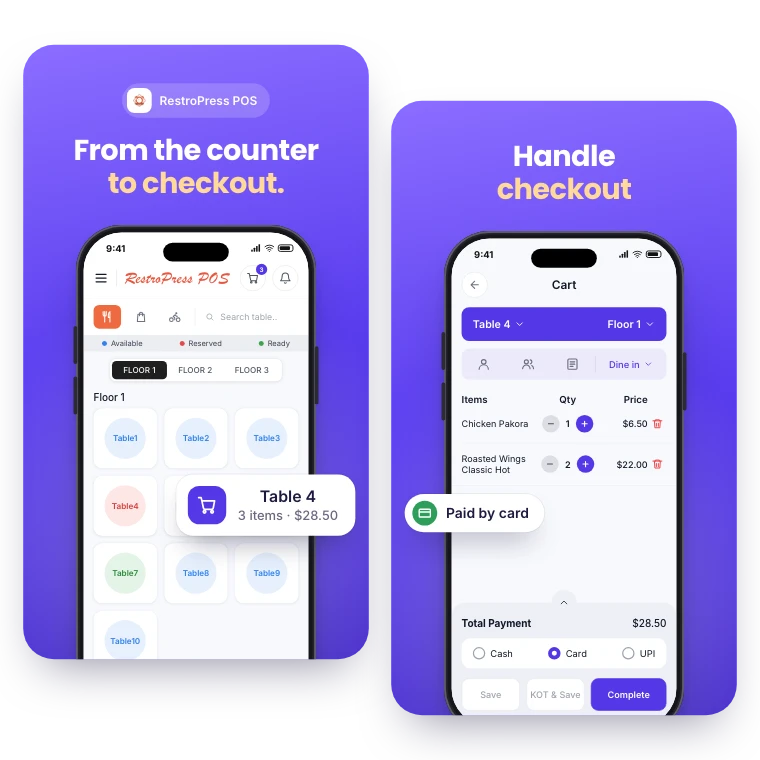
FOR YOUR COUNTER & CHECKOUT
Take counter, table and phone orders in the same system as your online orders. RestroPress POS records each sale, prints kitchen and bar tickets and reports on the day.
Explore POSYOUR NEXT DIRECT ORDER STARTS HERE
Explore the ordering experience, then choose the tools your team needs.

