


Two-step reservation form
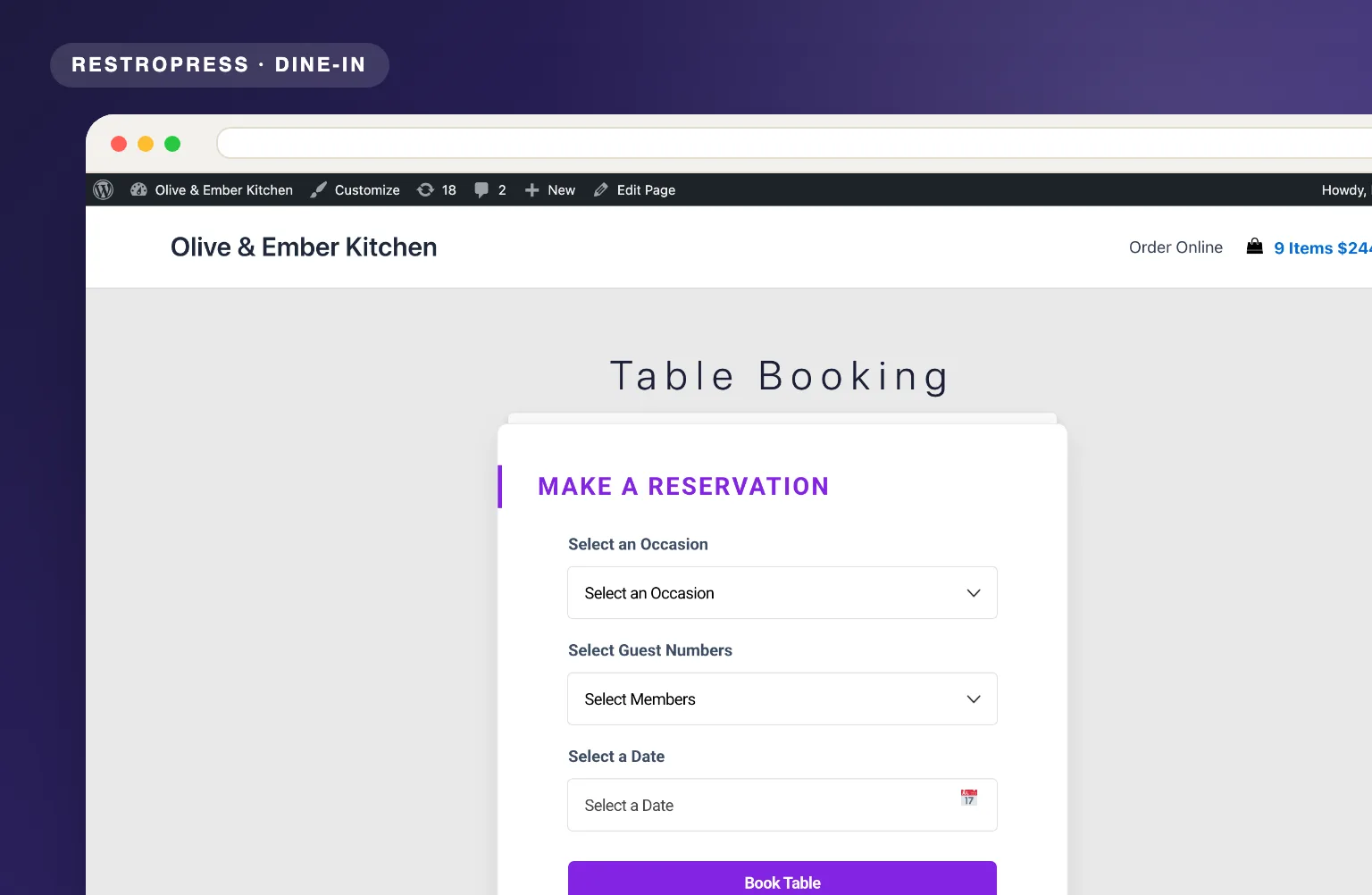
Customers complete occasion and date in step one, contact details in step two, for better form completion.

A full booking workflow with occasion types, guest count control, paid reservations via Stripe, OTP verification, and automated email and SMS confirmations.
Included in Professional, Business, AgencyOnly need this one? Buy it on its own from $49 / year
 RESTROPRESS · DINE-IN
WHAT TABLE BOOKING ADDS
Customers complete occasion and date in step one, contact details in step two, for better form completion.
Set how far ahead bookings can be made and how many are accepted per day.
Admin defines the guest count options available in the booking form.
Collect a booking fee upfront via Stripe to reduce no-shows.
Optional phone number OTP verification reduces fake and invalid bookings.
Admin and customer emails go out for every new booking, and each status change (Pending, Accepted, Cancelled) emails the guest and texts them via Twilio or Plivo.
A Table Bookings screen with status cards for All, Pending, Accepted and Cancelled, date filters from today to a custom range, and a trash with restore.
Create multiple occasion types, such as birthday or anniversary, each with its own booking price.
Move selected or all past bookings to the trash, restore them, or delete them permanently in one click.
Set the first and last bookable time, and close bookings temporarily with your own message shown in place of the form.
Write the admin and customer emails with tags such as {customer_name}, {booking_date} and {occasion}, send to several admin addresses, and optionally confirm to the guest only after you accept.
Switch between test and live Stripe keys so you can check the deposit flow before taking real reservations.
MAKE IT YOURS
Table Booking adds a two-step reservation form for guests and a full reservation desk for you, all inside RestroPress.
Get setup guidanceIn RestroPress, Settings, General, open the Table Booking section to set occasions and prices, the guest limit, date range, daily capacity, start and end times, email templates, OTP, SMS provider and Stripe keys.
A Table Booking page is created for you on activation, or place the [table_booking] shortcode on any page.
Customers book online. You accept or cancel each reservation from RestroPress, Table Bookings, and the guest is emailed and texted the new status.
PLANS & REQUIREMENTS
DINE-IN EXTENSION
Compare the complete feature list to see which plan fits the rest of your setup.
5 WEBSITES
$429/ year
15 WEBSITES
$799/ year
30 WEBSITES
$1,499/ year
BUY THIS EXTENSION ONLY
One-year licence. Pick how many websites you run.
Licence key and download appear in your account right after checkout. Includes updates and support for this extension.
QUESTIONS, ANSWERED
CONTINUE EXPLORING
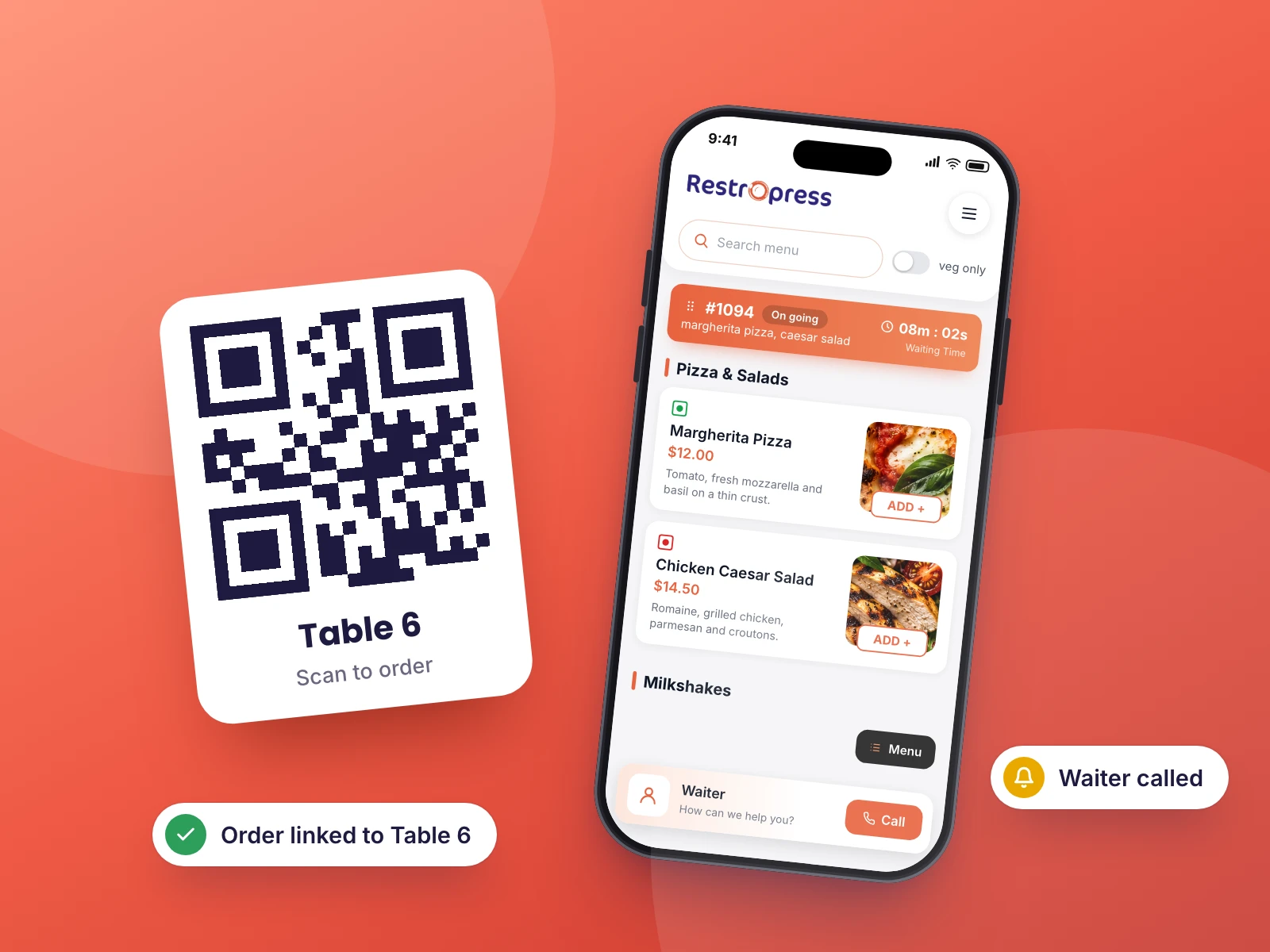
Customers scan a QR code at their table, browse your menu on their own device, and place their order without touching a shared menu or flagging down a waiter.
Included in Business, AgencyView extensionYOUR NEXT DIRECT ORDER STARTS HERE
Explore the ordering experience, then choose the tools your team needs.

