


Side-panel cart
A tap on the floating trigger opens the RestroPress cart as a full-height panel that slides in over the menu, with no page change.

Add a floating cart icon or bottom bar to your menu page that opens the RestroPress cart as a slide-in panel, keeping customers in the flow until they are ready to check out.
Free · no plan needed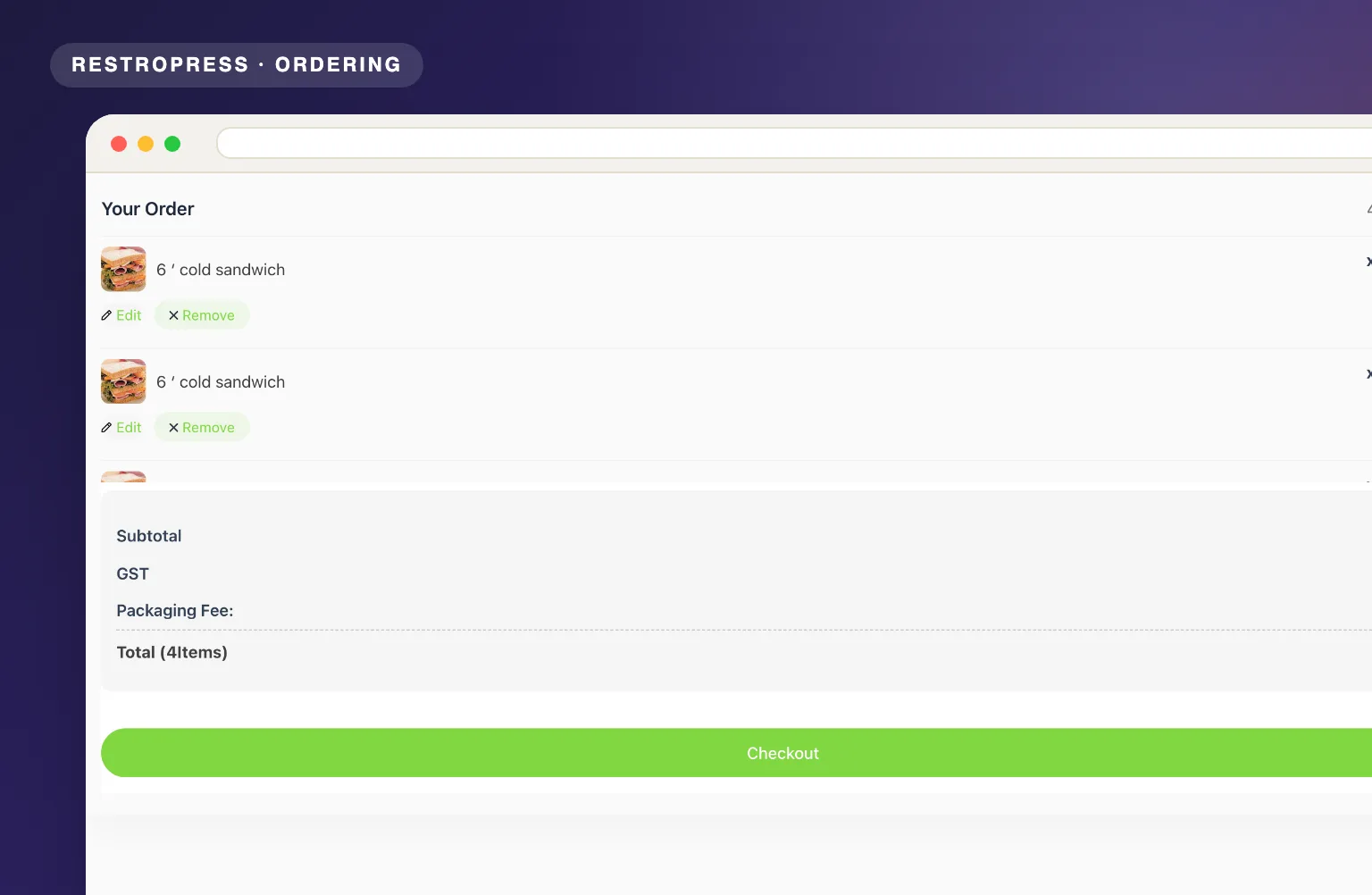 RESTROPRESS · ORDERING
WHAT SLIDING CART ADDS
A tap on the floating trigger opens the RestroPress cart as a full-height panel that slides in over the menu, with no page change.
Choose between a round floating cart icon with an item badge, or a full-width bottom bar that shows the item count and the cart total.
The badge refreshes through AJAX as customers add or remove items, and you pick its color in the settings.
The trigger appears only on pages that output the RestroPress menu, so the rest of your site stays untouched.
Keep the floating icon on phones, or hide it below 720px with the Remove Cart For Mobile View option when your theme already shows the RestroPress mobile cart bar.
The panel is the standard RestroPress cart, so quantities, remove links and the checkout button all work as usual and send customers straight to payment.
MAKE IT YOURS
Sliding Cart has four settings and takes a minute to switch on, and it changes how every customer moves from menu to checkout.
Get setup guidanceInstall and activate the plugin, then go to RestroPress > Settings > General > Sliding Cart and tick Enable Sliding Cart.
Choose Icon Bar or Cart Icon under Display Option, set the Total Items Badge Color, and decide whether to remove the icon on mobile.
A tap on the icon slides the cart in over the menu, and the checkout button inside sends them straight to payment.
PLANS & REQUIREMENTS
ORDERING EXTENSION
Free for every RestroPress website. Download it below, no plan needed. Paid plans add the premium extensions and priority support.
FREE EXTENSION
Download it now; enter your email at checkout and the file is saved to your RestroPress account for future updates.
QUESTIONS, ANSWERED
CONTINUE EXPLORING

Add, reorder, hide, or customize any checkout field using a drag-and-drop builder. 14+ field types, no coding required.
Included in Professional, Business, AgencyView extension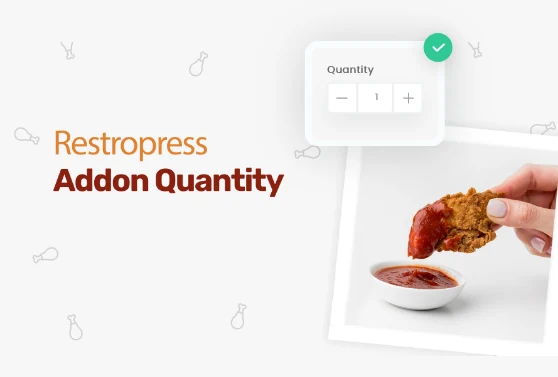
Add quantity controls to your food addons so customers can order two extra sauces, three toppings, or any other addon in the amount they actually want.
Included in Professional, Business, AgencyView extension
Add custom fees for packaging, payment surcharges, express delivery, gift wrapping, or any other service, as flat amounts or percentages, per order type.
Included in Professional, Business, AgencyView extensionYOUR NEXT DIRECT ORDER STARTS HERE
Explore the ordering experience, then choose the tools your team needs.

