


Scheduled menu categories
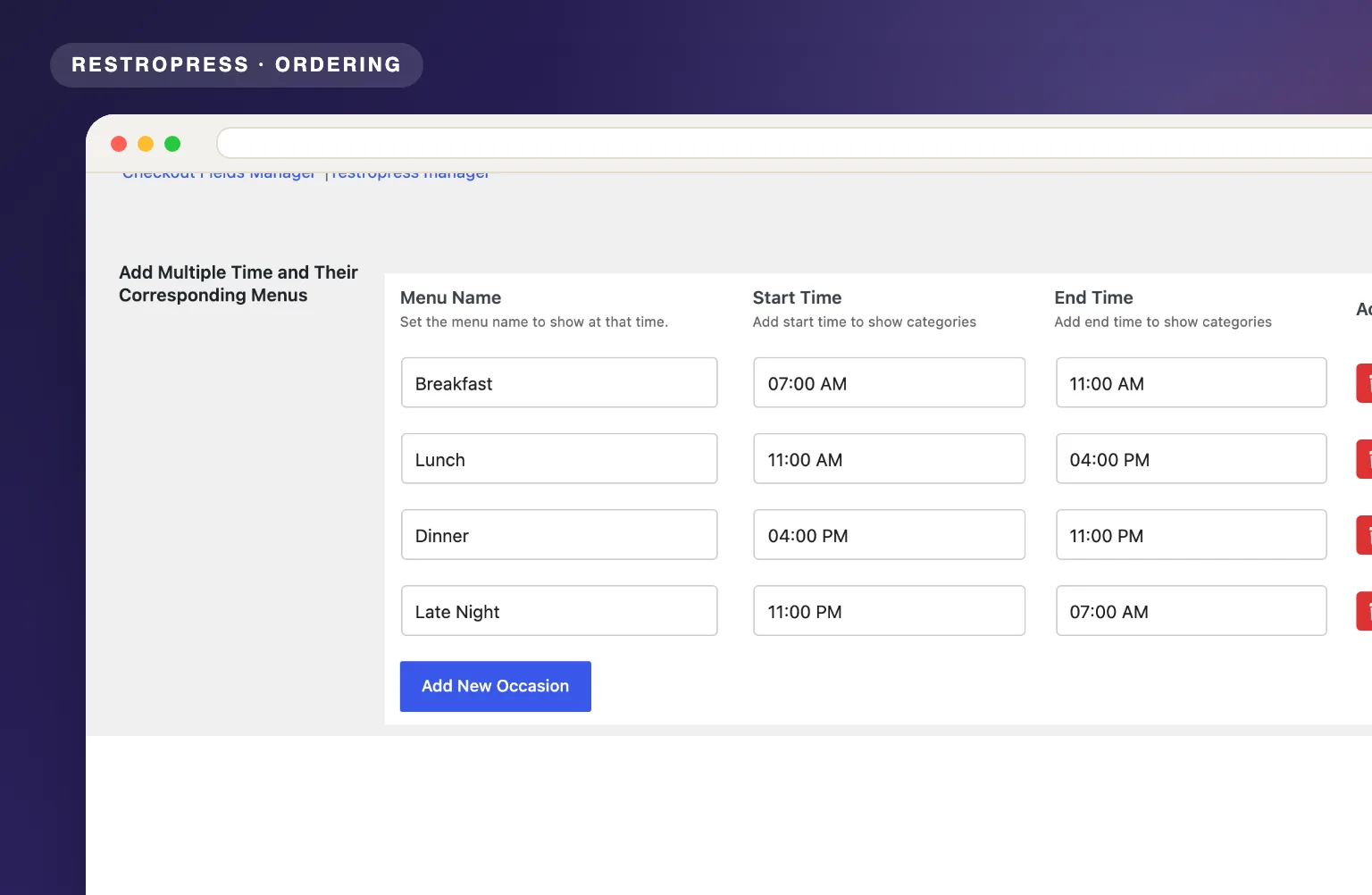
Create named menu slots such as Breakfast, 07:00 AM to 11:00 AM, then assign each food category to one or more slots. The menu updates automatically.

Schedule food categories to appear automatically based on the time of day. Breakfast, lunch, dinner, and specials display exactly when they should.
Included in Professional, Business, AgencyOnly need this one? Buy it on its own from $49 / year
 RESTROPRESS · ORDERING
WHAT TIME-BASED MENU ADDS
Create named menu slots such as Breakfast, 07:00 AM to 11:00 AM, then assign each food category to one or more slots. The menu updates automatically.
Define as many time-based schedules as you need for breakfast, lunch, dinner, and specials.
Categories whose slot is not active are removed from the category list and the menu, together with every item in them.
Create special menus for happy hour or peak-time promotions that appear on schedule.
Add slots with a 12-hour time picker under RestroPress > Settings > General > Time Based Menu, then tick the slots on each food category's edit screen.
Filters the category list and the food item templates through RestroPress's own hooks, including the modern template pack and the mobile category menu.
Once a customer picks a delivery or pickup time, the menu is filtered for that time instead of the clock. Someone ordering at 10 AM for a 1 PM pickup sees the lunch menu.
A slot can run past midnight, for example 08:00 PM to 02:00 AM. Delivery and pickup time options that fall outside every slot are removed from the time dropdowns.
MAKE IT YOURS
Time-Based Menu switches your dayparts for you, so the online menu always matches what the kitchen is cooking right now.
Get setup guidanceInstall and activate the extension under Plugins, then open RestroPress > Settings > General > Time Based Menu.
Click Add New Occasion, give the slot a name and a start and end time, and save. Then go to Food Items > Food Categories, edit each category and tick the slots it belongs to under Select Menu Slot.
Customers see only the categories whose slot covers the current time, or their chosen delivery or pickup time. Assign every category to at least one slot, because unassigned categories are hidden whenever any slot is active.
PLANS & REQUIREMENTS
ORDERING EXTENSION
Compare the complete feature list to see which plan fits the rest of your setup.
5 WEBSITES
$429/ year
15 WEBSITES
$799/ year
30 WEBSITES
$1,499/ year
BUY THIS EXTENSION ONLY
Yearly licence, cancel any time. Pick how many websites you run.
Licence key and download appear in your account right after checkout. Includes updates and support for this extension.
QUESTIONS, ANSWERED
CONTINUE EXPLORING

Add, reorder, hide, or customize any checkout field using a drag-and-drop builder. 14+ field types, no coding required.
Included in Professional, Business, AgencyView extension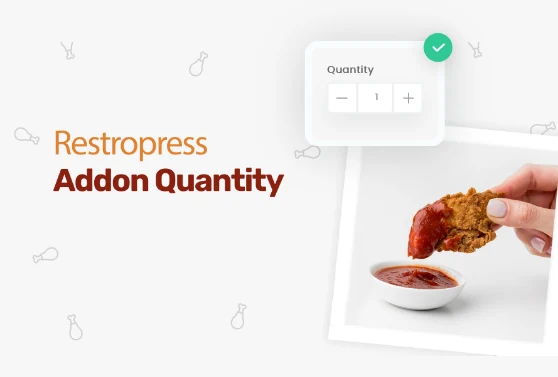
Add quantity controls to your food addons so customers can order two extra sauces, three toppings, or any other addon in the amount they actually want.
Included in Professional, Business, AgencyView extension
Add custom fees for packaging, payment surcharges, express delivery, gift wrapping, or any other service, as flat amounts or percentages, per order type.
Included in Professional, Business, AgencyView extensionYOUR NEXT DIRECT ORDER STARTS HERE
Explore the ordering experience, then choose the tools your team needs.

