Payment gateway

Accept Paytm payments at your restaurant

Let Indian customers pay via Paytm Wallet, UPI, cards, and net banking with automatic verification, QR code support, and sandbox testing built in.

In the Starter plan v1.0.6

What it does

Paytm is one of India's most widely used digital payment platforms, trusted by millions of users for wallet payments, UPI, and banking. The RestroPress Paytm extension brings the full Paytm checkout experience to your food ordering site, from hosted checkout to UPI intent flows that open payment apps directly on mobile.

Automatic payment verification through official Paytm APIs means orders confirm reliably. QR code support gives desktop customers a scan-and-pay option. Switch between sandbox and live modes instantly for testing. Built for restaurants, cafes, and cloud kitchens serving Indian customers.

Everything in the box

QR code payments
Desktop customers scan a QR code to pay from their phone in seconds.
UPI intent support
Opens Google Pay, Paytm, PhonePe, BHIM, and other UPI apps automatically on mobile.
Automatic payment verification
Official Paytm APIs verify every transaction and update order status without manual checks.
Sandbox and live mode
Switch between test and production environments for safe deployment.
WP-Cron retry
Pending transactions are automatically retried to reduce payment failures.
Secure checksum validation
Server-side checksum verification protects every transaction.
HOW IT WORKS

Three steps to accepting Paytm payments

Step 1

Set up a Paytm Business account

Create your account at business.paytm.com and enable the Payment Gateway.

Step 1
Step 2

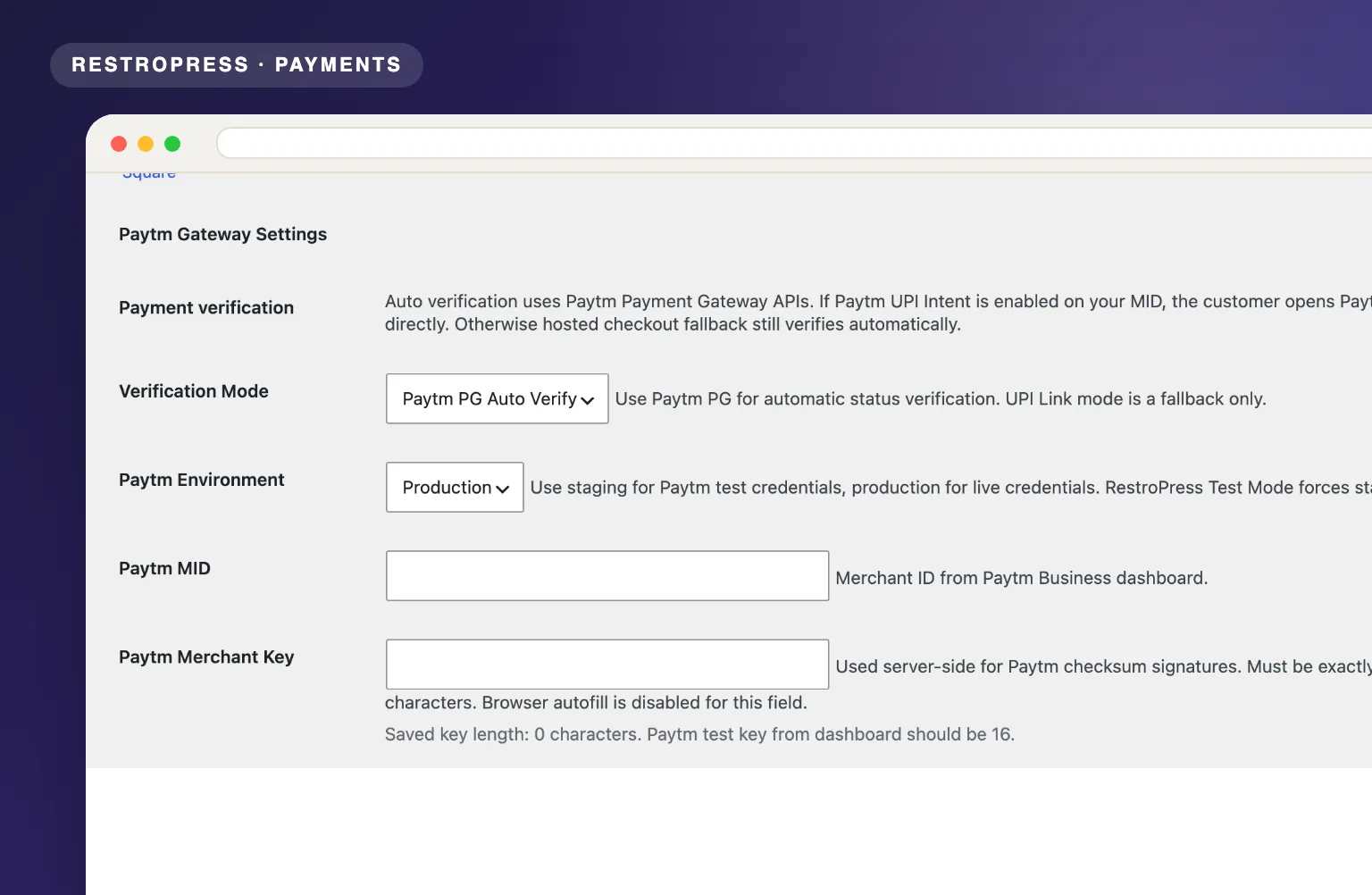
Configure credentials in RestroPress

Enter your Merchant ID, Key, and channel details in the Paytm gateway settings.

Step 2
Step 3

Go live and accept payments

Customers pay via Paytm Wallet, UPI, cards, or net banking. Orders confirm automatically.

Step 3

Changelog

= 1.0.6 =
* Standardize production plugin metadata for the `restropress-paytm-gateway` slug.
* Add safe migration from earlier `rpug_` and `rpp_` option/meta prefixes.
* Preserve pending Paytm callbacks, payment pages, and cron verification jobs during plugin rename.
* Clear scheduled verification events on deactivation.

= 1.0.5 =
* Harden production behavior: Paytm staging auto-completion now runs only while RestroPress Test Mode is enabled. Live payments still require Paytm callback/status verification.

= 1.0.4 =
* Complete Paytm staging/test payments on customer return when Paytm status remains pending or unavailable, so RestroPress places the test order.

= 1.0.3 =
* Fix Paytm test checkout returns that briefly report pending/no-record status by keeping the payment under verification instead of sending customers to Transaction Failed.
* Use verified Paytm callback success as a fallback when the Status API is still pending or temporarily unavailable.

= 1.0.2 =
* Prevent unpaid/cancelled Paytm attempts from entering the restaurant order flow. Orders are placed only after Paytm Transaction Status API returns TXN_SUCCESS.

= 1.0.0 =
* Initial Paytm-only release with Paytm PG auto verification, Android native intent, iOS Paytm deep link, Paytm hosted checkout fallback, Paytm UPI fallback link, callback/status verification, and checksum validation.

Frequently asked questions

Is a Paytm Business account required?

Yes. You need a verified Paytm Business account with Payment Gateway enabled.

Is SSL required?

Yes. Your site must have HTTPS/SSL enabled.

Does it support UPI payments?

Yes. UPI intent mode opens supported UPI apps directly on mobile for faster payment.

Can I test before going live?

Yes. Switch to sandbox mode in settings to test the full payment flow.

© 2026 RestroPress. All Rights Reserved.
envelopephone-handset linkedin facebook pinterest youtube rss twitter instagram facebook-blank rss-blank linkedin-blank pinterest youtube twitter instagram